UI Text Expansion & Pseudo-Localization: Preventing Broken Multilingual Layouts in CSS
Predict string expansion across German, French, Spanish, Dutch, and CJK locales before translation starts—using pseudo-localization tests, CSS min-w-0 guards, and flexible tap targets.
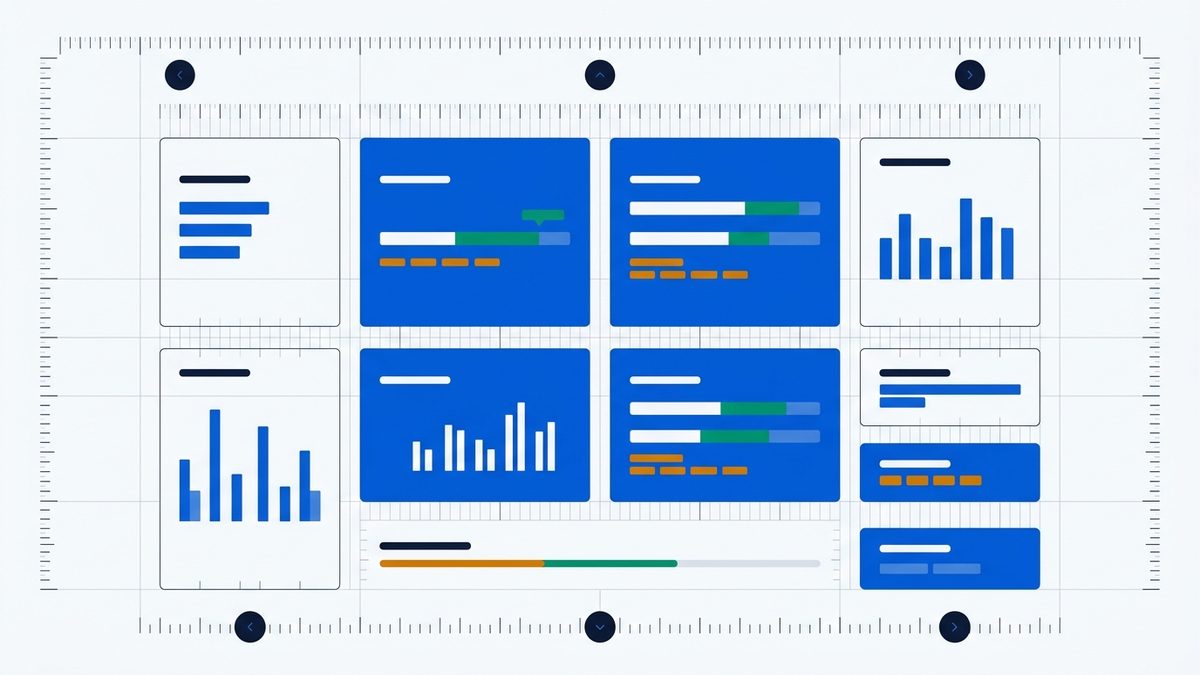
Most responsive web designs are crafted around compact English micro-copy ("Sign up", "Pricing", "Edit", "Save"). The moment your app ships in German, French, Spanish, Italian, or Dutch, those sleek single-row navbars, badge pills, and 3-column pricing tables start colliding, overlapping, or truncating critical action verbs on mobile screens.
You do not need to wait for final translations to discover layout breakage. Combining expansion budgets, pseudo-localization, and four defensive CSS rules catches 95 % of visual localization bugs while components are still in engineering review.
Realistic UI Expansion Ratios by Target Language
| Target Language | Short Labels (1–12 chars) | Buttons & Menus (13–30 chars) | Body Prose (> 60 chars) | Special Layout Risk |
|---|---|---|---|---|
German (de) | +35 % to +70 % | +25 % to +40 % | +20 % to +30 % | Unbroken 25+ char compound nouns |
French (fr) | +30 % to +55 % | +20 % to +35 % | +15 % to +25 % | Non-breaking spaces before : ; ? ! |
Spanish (es) | +25 % to +50 % | +20 % to +35 % | +15 % to +25 % | Longer multi-word imperatives |
Dutch (nl) | +25 % to +55 % | +20 % to +35 % | +15 % to +25 % | Long fused technical compounds |
| Japanese / Chinese | -30 % to -10 % | -25 % to -5 % | -20 % to -10 % | Taller line-height (1.6–1.8) required |
Running a 5-Minute Pseudo-Localization Pass Before Translation
Pseudo-localization automatically transforms every English UI string in dev mode into an expanded accented test string—for example turning "Account Settings" into "[Àççöüñţ Šéţţîñğš — — — —]":
- Bracket wrappers (
[ ... ]) reveal immediately if any container silently clips the end of a string. - Accented characters expose font fallback gaps and broken UTF-8 encoding immediately.
- 35 % artificial padding stress-tests mobile headers (
375px), tablet grids (768px), and desktop footers (1024px–1280px) before you pay a translator a single euro. - Unbracketed plain English words sticking out on screen instantly pinpoint hardcoded strings that bypassed your i18n dictionary!
Four Defensive CSS Rules for Bulletproof Multilingual Components
- Always put
min-w-0on CSS Grid & Flex children: Withoutmin-w-0, an unbroken German compound or wide mono subtitle overflows straight into the neighboring column. - Use
min-height: 44pxinstead of rigidheighton buttons & tabs: Let localized two-line buttons breathe naturally without clipping descenders (g, j, p, q, y) or failing WCAG / Apple HIG tap targets. - Scope
hyphens: autoto body prose—never headlines or buttons: Pair<html lang="de">withhyphens: auto; hyphenate-limit-chars: 8 3 3;on<p>and<li>elements so narrow mobile cards stay balanced. - Reserve Fixed Vertical Slots for Progressive Controls: When multi-step dropdowns or localized helper panels expand dynamically, lock container heights cleanly so switching languages or opening sub-controls triggers zero Cumulative Layout Shift (
CLS = 0).
Estimate exact UI button & tab expansion live in our Text Expansion Calculator → | Run the Full 25-Point Pre-Launch LQA Checklist →
Recommended Tools for This Playbook
Score German headlines, CTAs, and body prose across Amstad FRE, Björnsson LIX, Wiener WSTF-1, and MQM quality in one view.
Predict how +25–45% German expansion impacts nav tabs, pricing cards, and button line wraps before implementation.
Simulate German SERP pixel width truncation for desktop/mobile and generate clean de-DE / de-AT / de-CH hreflang tags.